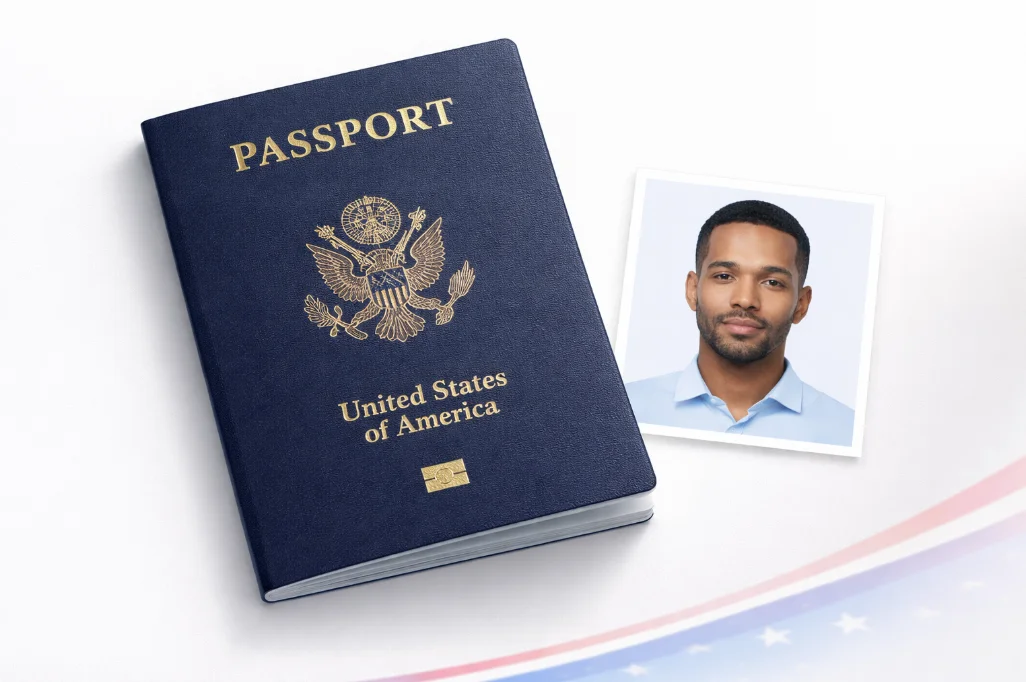
You'd think passport photos would be simple - take a picture, print it, done. But the U.S. State Department has a surprisingly detailed list of requirements, and getting any of them wrong means your application gets sent back. That costs you time (often 2 x 4 extra weeks) and sometimes money if you have to retake the photo.
Here's every requirement you need to know about, with the reasoning behind each rule and tips to make sure you get it right the first time.
Not sure if your photo meets requirements?
Our ICAO compliance checker validates face size, eye position, background, and more - instantly and free.
Quick Requirements Checklist
Use this as a quick reference before taking or submitting your photo:
Photo taken within the last 6 months
Must reflect your current appearance
Size: 2 x 2 inches (51 x 51mm)
Square format - head height 1" to 1"
White or off-white background
No patterns, shadows, or other colors
No glasses of any kind
Banned since November 2016 - even clear lenses
Neutral expression, mouth closed
Natural smile OK, but no teeth showing
Both eyes open and visible
Looking directly at the camera
Face fully visible - nothing covering it
Hair off the face, no hats (religious exceptions allowed)
Good lighting - no shadows on face or background
Even lighting from front, not from behind
In focus, sharp, not blurry
Hold steady or brace against something when shooting
Printed on photo-quality paper (for mail applications)
Glossy or matte - not regular printer paper
Detailed Requirement Breakdown
1. Photo Size and Head Positioning
The photo must be exactly 2 x 2 inches (51 x 51mm). That's the printed size. For digital submissions, the minimum is 600 x 600 pixels and the maximum is 1200 x 1200 pixels at JPEG format.
Within that 2 x 2 frame, your head (chin to top of hair) needs to be between 1 inch and 1 inches. Your eyes should sit between 1 and 1 inches from the bottom edge. This is surprisingly precise, and it's the most common reason photos get rejected - people get the overall size right but the head positioning wrong.
For exact dimensions in every unit, see our detailed US passport photo size guide.
2. Background Requirements
The background must be white or off-white - plain, with no visible patterns or textures. Shadows behind your head or on the background will get the photo rejected. This is why lighting is so important: you need the light to come from in front of you, not behind you.
If you're taking the photo at home, a plain white wall works well. Stand about 2 feet in front of it to minimize shadows. Avoid cream, light gray, or beige walls - they sometimes look darker in photos than they appear in person, and reviewers may flag it.
Don't have a white wall? Our background remover tool can replace any background with the required white.
3. The No-Glasses Rule
This catches more people than anything else. Since November 1, 2016, the State Department no longer accepts passport photos where the applicant is wearing glasses. Period. This includes prescription glasses, reading glasses, tinted lenses, and transitions lenses.
The only exception is a documented medical condition. You'd need a signed statement from your doctor explaining that the glasses cannot be removed. And even then, there can't be any glare or reflection on the lenses, and the frames can't cover any part of the eyes.
Why did they change this? Automated biometric facial recognition systems used at airports had too many issues with glare, reflections, and distortion caused by eyeglass lenses. Banning glasses entirely made the recognition far more reliable.
4. Expression and Pose
The official guideline says "neutral facial expression or a natural smile." In practice, keeping a straight, relaxed face is the safest bet. If you smile, keep your mouth closed - no teeth visible. The reasoning is the same as with glasses: facial recognition software works best with neutral expressions.
Your head must be looking straight at the camera. No tilting, no turning. Both eyes must be open and clearly visible. This applies even if one eye is slightly different from the other - both need to be seen.
5. Head Coverings and Hair
No hats, headbands, or hair accessories that obscure the face. The full face from the bottom of the chin to the top of the forehead must be visible, and both edges of the face must be unobstructed.
Religious exception: Head coverings worn daily for religious purposes are allowed. You may be asked to include a signed letter explaining that the covering is part of your religious practice. Even with a head covering, the entire face must be visible - no veils that cover the chin, mouth, or any facial features.
Hair should be pushed back or styled so it doesn't fall across the face. If your hair naturally falls over one side of your face, pin it back for the photo. Ears don't have to be visible (that's a common misconception), but the forehead should be.
6. Lighting and Shadows
Good lighting is what separates a photo that gets accepted from one that doesn't. You need even, front-facing light. No harsh shadows on the face, under the nose, or on the background behind your head.
The best approach for home photos: face a window during daylight hours. Natural, indirect light from a window gives soft, even illumination. Avoid overhead lights alone - they create shadows under the eyes and nose. If you use artificial light, position two lamps on either side of you at roughly eye level.
7. Clothing
Wear normal everyday clothing. No uniforms (except religious attire), no costumes, no camouflage patterns. There's no specific rule about color, but avoid white or very light tops since they'll blend into the white background and make the photo look odd.
Dark or medium-colored shirts with a collar work well - they create a visible neckline against the white background. For more tips, check out our passport photo dress code guide.
8. Photo Recency
The photo must have been taken within the last 6 months. It needs to look like you do now. If you've significantly changed your appearance - different hair color, major weight change, new tattoos on the face, etc. - you need a fresh photo even if the old one is technically recent enough.
Pro tip: don't try to reuse an old passport photo. Even if you look the same, the photo quality and printing may not meet current standards. Take a new one - it takes two minutes with a phone.
Most Common Rejection Reasons (and How to Avoid Them)
Top 6 Reasons Photos Get Rejected
- Wearing glasses - remove all eyewear
- Shadows on face or background - fix your lighting
- Wrong head size - too big or too small in frame
- Background not white - must be plain white
- Photo too old - must be under 6 months
- Blurry or low resolution - hold camera steady
How to Get It Right Every Time
- Remove glasses, hats, earphones before shooting
- Face a window for soft, even lighting
- Stand 4-5 feet from camera at eye level
- Use a white wall or white background tool
- Take photo fresh today - don't reuse old ones
- Use a passport photo maker for correct sizing
For a deep dive into all 12 rejection reasons with specific fixes, read our complete guide to passport photo rejection reasons.
Taking Your Passport Photo at Home
The State Department explicitly allows self-taken passport photos. Their official position: "You may take the photo yourself. The photo can be taken by a friend or colleague, or you may take a self-portrait."
Here's what works best:
- Find a white wall and face a window (for natural light)
- Have someone else hold the phone at your eye level, about 4 feet away
- Use the rear camera (higher resolution than selfie camera)
- Don't use flash - it creates harsh shadows and red eyes
- Upload to our free maker to crop, size, and add white background
- Print on photo paper or submit digitally
For a step-by-step walkthrough with photos, see our guide on how to make a passport photo at home.
Special Cases
Baby and Infant Photos
Children of all ages, including newborns, need passport photos. The same size requirement (2 x 2 inches) applies. The State Department is more flexible with infant head positioning since babies can't exactly hold still and look at the camera on command. But the photo must still show a clear, front-facing view with both eyes open when possible. Check our baby passport photo maker for tips specific to infant photos.
Hearing Aids
Unlike glasses, hearing aids are allowed in passport photos. You can keep them in.
Makeup and Face Piercings
Normal, everyday makeup is fine. Heavy theatrical makeup or face paint is not. Facial piercings that you normally wear are accepted - the photo should reflect how you normally look day to day.