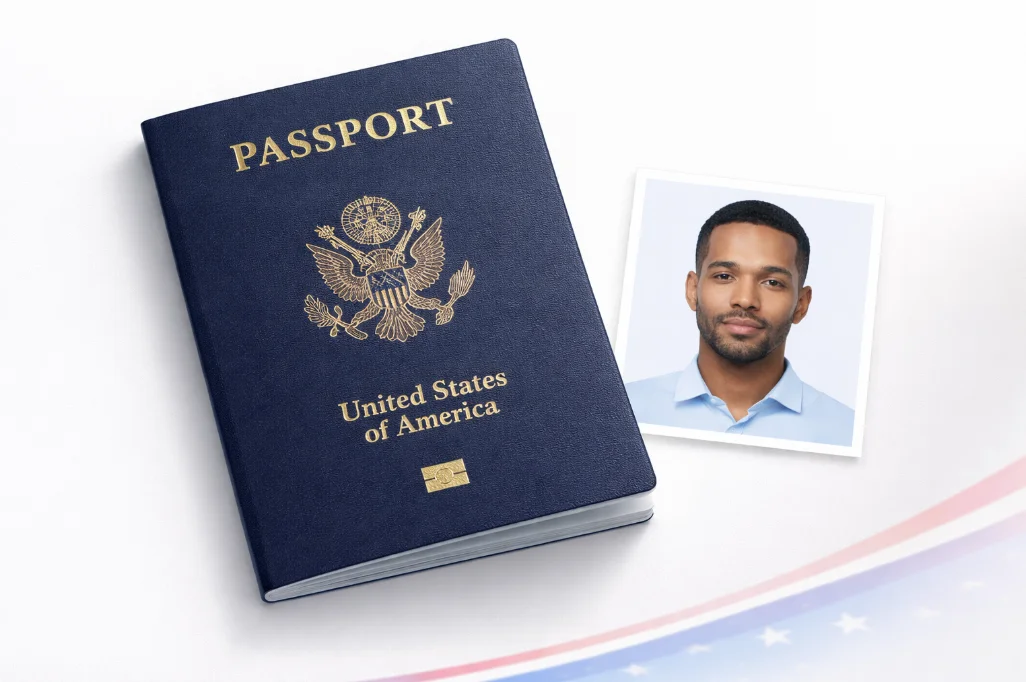
If you're applying for a US passport or renewing one, getting the photo size right is probably the single most important thing you can do to avoid delays. The U.S. Department of State requires a 2 x 2 inch photo - and they're surprisingly strict about it.
I've seen plenty of passport applications get sent back because the photo was slightly too large, the head was cropped too tight, or someone submitted a photo that was technically 2 x 2 but didn't meet the head positioning rules. So let's break down every measurement you need to know.
Skip the manual sizing hassle
Our free passport photo maker automatically sizes your photo to exactly 2 x 2 inches with correct head positioning.
Complete US Passport Photo Dimensions
Here's every measurement you'll need, whether you're printing at a drugstore, submitting online, or trying to size the photo yourself at home:
| Measurement | Value | Notes |
|---|---|---|
| Photo Width | 2 inches / 51mm / 5.1cm | Must be exact - no tolerance |
| Photo Height | 2 inches / 51mm / 5.1cm | Square format required |
| Head Height (chin to hair) | 1" to 1" / 25 x 35mm | Most common rejection reason |
| Eye Height from Bottom | 1" to 1" / 28 x 35mm | Measured from photo bottom edge |
| Digital Resolution (300 DPI) | 600 x 600 pixels | Standard for print |
| Online Submission Min | 600 x 600 pixels | JPEG format only |
| Online Submission Max | 1200 x 1200 pixels | File size: 54KBEUR 10MB |
| Background Color | White or off-white | Plain, no patterns |
| Print Paper | Glossy or matte photo paper | Not regular printer paper |
Why Is It Exactly 2 x 2 Inches?
The 2 x 2 inch format has been the U.S. standard since the 1970s. It's a square photo - which is unusual compared to most other countries that use rectangular formats like 35 x 45mm (the ICAO standard). The square format gives enough room for the face and some white space around the head, while fitting neatly on the passport's photo page.
One thing that confuses people: the 2 x 2 measurement is for the printed photo, not the digital file. Your digital file can be any resolution as long as the aspect ratio is 1:1 (square) and meets the minimum 600 x 600 pixel requirement for online submissions.
Head Size - The Rule That Trips Most People Up
Getting the photo to 2 x 2 inches is the easy part. What actually causes rejections is the head size and eye position within that 2 x 2 frame. Here's what the State Department requires:
Head Size Rules
- OK Head height (chin to top of hair): 1" to 1" (25 x 35mm)
- OK Eyes positioned 1" to 1" from bottom edge
- OK Face centered horizontally in frame
- OK Head takes up about 50 x 69% of the photo height
Common Mistakes
- No Head too small (too much white space above)
- No Head too large (face cropped at chin or forehead)
- No Eyes too high or too low in the frame
- No Head tilted or turned to one side
To put it in practical terms: if your head fills less than half the photo or more than about two-thirds, it'll likely be rejected. The sweet spot is having your head take up roughly 60% of the frame, with your eyes sitting just above the center line.
Understanding Pixels, DPI, and Digital Size
This is where things get confusing for a lot of people, so here's a straightforward breakdown:
DPI stands for "dots per inch" - it's how many pixels fit into one printed inch. The standard for photo printing is 300 DPI. So for a 2-inch wide photo at 300 DPI:
2 inches 300 DPI = 600 pixels
That's why the digital size is 600 x 600 pixels at 300 DPI
If you're submitting your photo online through the State Department website or an agency, they want the image to be between 600 x 600 pixels (minimum) and 1200 x 1200 pixels (maximum). The file has to be JPEG format, and between 54KB and 10MB.
For printing, higher DPI is better. A 600 x 600 pixel photo at 300 DPI prints at exactly 2 x 2 inches. If you have a 1200 x 1200 pixel photo, that's 300 DPI when printed at 4 x 4 inches, or 600 DPI when printed at 2 x 2 - either works fine.
| DPI | Pixel Size | Print Quality | Acceptable? |
|---|---|---|---|
| 150 DPI | 300 x 300 | Low - visible pixels | No |
| 200 DPI | 400 x 400 | Okay for viewing, not printing | No |
| 300 DPI | 600 x 600 | Standard print quality | Yes (recommended) |
| 600 DPI | 1200 x 1200 | High quality | Yes |
How US Size Compares to Other Countries
The US 2 x 2 inch format is actually unique. Most countries follow the ICAO 9303 standard of 35 x 45mm (about 1.4 x 1.8 inches) - which is a rectangle, not a square. This matters if you're applying to multiple countries at once:
| Country | Size (mm) | Size (inches) | Shape |
|---|---|---|---|
| United States | 51 x 51 mm | 2 x 2" | Square |
| United Kingdom | 35 x 45 mm | 1.4 x 1.8" | Rectangle |
| Canada | 50 x 70 mm | 2 x 2.75" | Rectangle |
| India | 51 x 51 mm | 2 x 2" | Square (same as US) |
| Schengen/EU | 35 x 45 mm | 1.4 x 1.8" | Rectangle |
| Japan | 35 x 45 mm | 1.4 x 1.8" | Rectangle |
For a full comparison of all country photo sizes, check our complete passport photo size guide for 50+ countries.
How to Get the Right Size (3 Methods)
Method 1: Use an Online Passport Photo Tool (Easiest)
The simplest approach is to upload your photo to a tool that handles sizing automatically. You take a photo with your phone, upload it, and the tool crops it to 2 x 2 inches with the correct head positioning. No measuring, no guessing. Our free passport photo maker does this - it detects your face and adjusts everything to meet State Department specs.
Method 2: Photo Editing Software
If you're comfortable with Photoshop, GIMP, or similar tools, you can do it manually. Create a new canvas at 600 x 600 pixels (300 DPI), then position your photo so the head measures between 300 x 413 pixels tall (which is 1" to 1" at 300 DPI). This takes some trial and error but works well if you know what you're doing.
Method 3: Professional Photo Service
CVS, Walgreens, Walmart, and USPS all offer passport photo services. They'll take your photo and print it to the correct 2 x 2 inch size. The downside is cost - typically $12EUR $17 per set. See our passport photo cost comparison for current prices at each location.
Top 5 Size-Related Rejection Reasons
According to the State Department, these are the most common sizing errors that lead to rejected passport photos:
Head too large - fills more than 69% of the frame
Usually happens when you crop too aggressively or stand too close to the camera.
Head too small - takes up less than 50% of the frame
Common when standing too far from the camera or using a wide-angle lens.
Photo not square - dimensions are rectangular instead of 2 x 2
Happens when using the wrong crop ratio. Always use a 1:1 aspect ratio.
Resolution too low - under 600 x 600 pixels for digital submission
Often caused by screenshotting or downloading a compressed image from messaging apps.
Eyes not at the correct height - too high or too low in frame
Eyes should be between 1" and 1" from the bottom. This is hard to judge by eye alone.
Want to check your photo before submitting? Use our free ICAO photo compliance checker - it validates face size, eye position, and other biometric requirements in seconds.
Printing Your 2 x 2 Photo at Home
If you're printing at home, the trick is to arrange multiple 2 x 2 photos on a standard 4 x 6 inch sheet of photo paper. You can fit six 2 x 2 photos on one 4 x 6 sheet - which is the same size paper used in drugstore photo kiosks.
Make sure you're using actual photo paper (glossy or matte), not regular printer paper. And set your printer to "best quality" or "photo" mode to get the right DPI output.
Our 4 x 6 print template tool makes this easy - it arranges your passport photos on a print-ready sheet automatically.
Baby and Child Passport Photo Size
The photo size requirement is the same for babies, children, and adults: 2 x 2 inches. What changes is the head size tolerance - the State Department is more lenient with infant photos since it's hard to get a baby to sit still and look straight at the camera.
The head height rule (1" to 1") still applies in principle, but slight deviations are more likely to be accepted for young children. The key requirements that are non-negotiable: the baby's eyes must be open, and the photo must show a clear, front-facing view of the face. For more on this, see our baby passport photo guide.