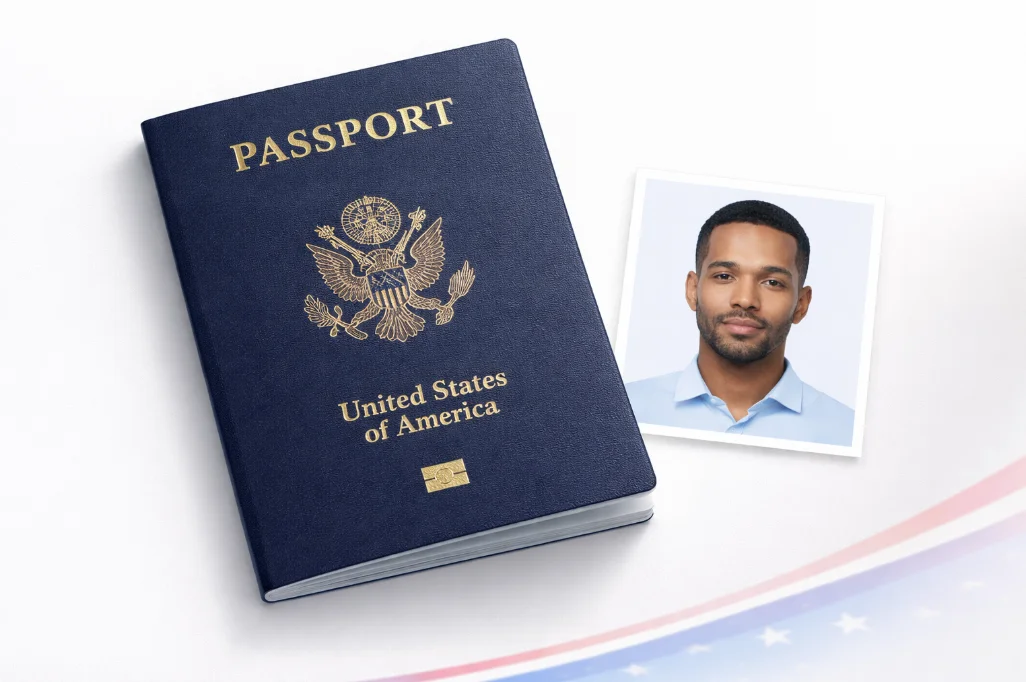
Applying for a US tourist visa, work visa, or student visa? You'll need to fill out the DS-160 form online, and part of that process is uploading a digital photo. The requirements are specific - especially the pixel dimensions and file format - and the system will reject your photo on the spot if it doesn't match.
Here's what you need to know. I've broken it down into printed photo requirements (for your interview) and digital requirements (for the DS-160 upload), since they're slightly different.
Need a DS-160 compliant photo right now?
Upload any photo. We'll automatically resize to 600 x 600px, set JPEG format, white background, and correct head positioning.
DS-160 Digital Photo Specifications
These are the technical requirements the DS-160 online form checks when you upload your photo. If any of these don't match, the system rejects the upload immediately:
| Specification | Required Value | What Happens If Wrong |
|---|---|---|
| Pixel Dimensions | 600 x 600 pixels (square) | Upload rejected immediately |
| File Format | JPEG (.jpg or.jpeg) | Upload rejected - convert first |
| File Size | 54 KB minimum, 10 MB maximum | Upload rejected if outside range |
| Color Mode | Color (sRGB) | Black & white photos rejected |
| Aspect Ratio | 1:1 (square) | Rectangular photos rejected |
| Head Height | 50%- 69% of photo height | May pass upload, rejected at review |
| Eye Height | 56%- 69% from bottom | May pass upload, rejected at review |
| Background | White or off-white | Photo rejected at review stage |
Visa Photo vs. Passport Photo - What's Different?
People often ask whether they can use the same photo for both their passport and visa application. The short answer: yes, usually. But there are a few technical differences worth knowing:
| Feature | US Passport Photo | US Visa Photo (DS-160) |
|---|---|---|
| Print Size | 2 x 2 inches | 2 x 2 inches |
| Digital Size | 600 x 600 to 1200 x 1200 px | Exactly 600 x 600 px |
| File Format | JPEG | JPEG |
| File Size | 54KB - 10MB | 54KB - 10MB |
| Background | White | White |
| No Glasses | Yes (since 2016) | Yes (since 2016) |
| Submission Method | Print or online | Online (DS-160) + print for interview |
The key difference: DS-160 strictly requires exactly 600 x 600 pixels. Passport online submissions accept up to 1200 x 1200. If you're preparing photos for both, create the 600 x 600 version first for your visa, and you can upscale or keep a higher-resolution copy for the passport.
Which Visa Types Need This Photo?
The 2 x 2 inch / 600 x 600 pixel requirement applies to all nonimmigrant visa applications filed through DS-160, including:
Tourist & Business Visas
- - B-1 Business Visa
- - B-2 Tourist Visa
- - B-1/B-2 Combined
Work Visas
- - H-1B Specialty Occupation
- - L-1 Intracompany Transfer
- - O-1 Extraordinary Ability
Student Visas
- - F-1 Student Visa
- - J-1 Exchange Visitor
- - M-1 Vocational Student
Other Visas
- - K-1 Fiance(e) Visa
- - E-2 Treaty Investor
- - R-1 Religious Worker
The same photo specs also apply to the Green Card (permanent resident) and DV Lottery applications, though the DV Lottery has its own submission portal.
Common DS-160 Photo Upload Errors
Based on what we see users running into most often, here are the top problems and how to fix each one:
"Photo is not the correct dimensions"
Your image isn't 600 x 600 pixels. This is the most common error.
Fix: Resize to exactly 600 x 600px. Our tool does this automatically. You can also use the photo resizer for manual control.
"File is not in JPEG format"
You uploaded a PNG, HEIC, or WebP file. DS-160 only accepts JPEG.
Fix: Convert to JPEG. iPhones shoot in HEIC by default - change your camera settings or convert before uploading.
"File size is too small" (under 54KB)
The photo was over-compressed or the resolution is too low.
Fix: Save the JPEG at higher quality (85-95%) or use the original uncompressed photo. Don't use screenshots of photos from messaging apps - they're heavily compressed.
"File size is too large" (over 10MB)
Rare for a 600 x 600 photo, but possible if saved from a high-megapixel source without resizing.
Fix: Resize to 600 x 600 first (this alone usually brings the file under 1MB), then save at 85% JPEG quality.
Photo for the Visa Interview
In addition to the digital photo you upload with DS-160, you'll need to bring a printed photo to your visa interview at the U.S. embassy or consulate. The printed photo has the same 2 x 2 inch dimensions but doesn't need to be exactly 600 x 600 pixels - any reasonable resolution works as long as the print looks sharp.
Most applicants print two copies on 4 x 6 inch photo paper (you can fit six 2 x 2 photos on one 4 x 6 sheet). Our 4 x 6 print template arranges your photos on a printable layout automatically.
How to Create a DS-160 Compliant Photo in 2 Minutes
- Take a photo - Use your phone against a white wall with window light. Have someone hold the camera at eye level, 4 feet away. Remove glasses.
- Upload to our maker - Go to VisaPicPro with US Visa preset. Upload your photo.
- Auto-processing - The tool crops to 2 x 2, sizes to 600 x 600px, removes/replaces background with white, and positions your head correctly.
- Download - Get your JPEG photo. The file is sized between 54KB and 10MB (typically around 80-200KB). Upload directly to DS-160.
Want to validate your photo first? Run it through our visa photo checker - it verifies dimensions, file size, head positioning, and background compliance before you submit.