
About Us
Our Mission
VisaPicPro was created with a simple mission: to provide everyone with easy, private, and affordable passport and visa photos without the hassle of visiting expensive photo studios or worrying about privacy.
What We Offer
- Free Daily Download: Create photos free, with 1 standard single-photo download per day
- Complete Privacy: All processing happens in your browser - photos never leave your device
- Professional Quality: Meet official requirements for 45+ countries
- Instant Results: Get your photos in seconds, not hours
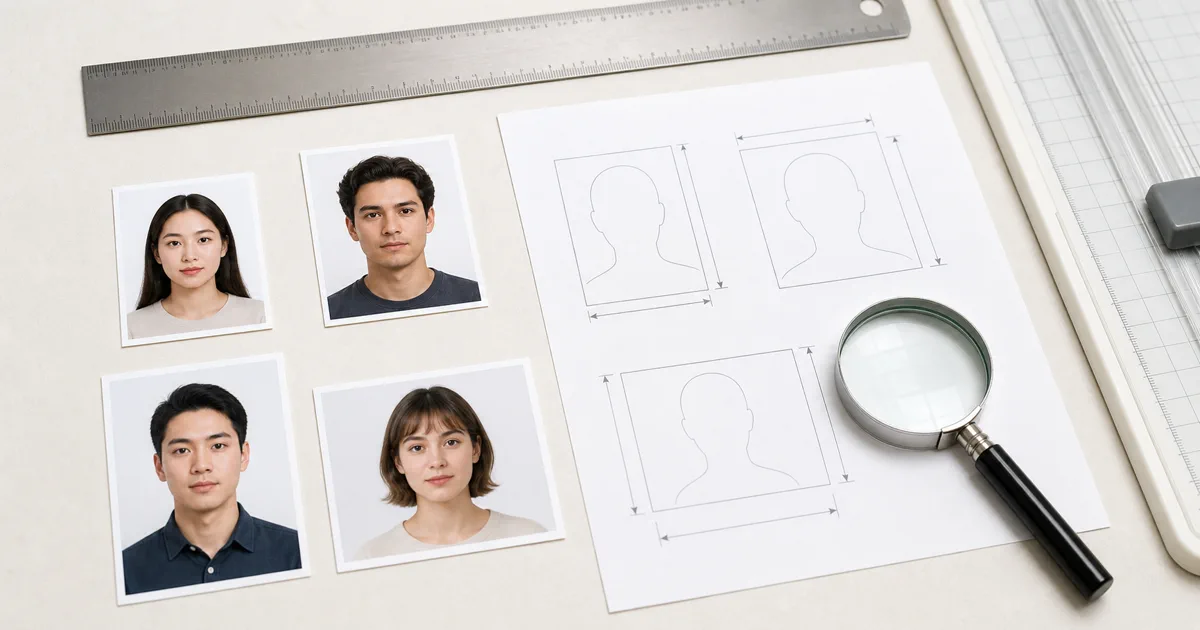
- Print-Ready Layouts: Download sheets ready for standard photo paper sizes
Our Technology
We use cutting-edge browser-based technology to process your photos entirely on your device. This means:
- Your photos are never uploaded to any server
- Processing is instant - no waiting for server responses
- Works offline once the page is loaded
- Compatible with all modern browsers and devices
Why Choose Us?
Privacy First
Your photos stay on your device. We don't collect, store, or have access to any of your images.
Lightning Fast
Get your passport photo ready in under 30 seconds with our optimized processing.
Global Support
Photo specifications for 45+ countries including US, UK, India, Canada, and more.
Free Daily Download
Free daily download available, with optional Pro exports for HD and print-ready files.
Contact Us
Have questions or suggestions? We'd love to hear from you! Visit our Contact Page or email us at [email protected].
Quality Standards
Our goal is to make passport and visa photo preparation practical, not decorative. We focus on correct sizing, clear face position, plain background output, print layout accuracy, and simple guidance users can follow at home. When we add a country preset or help page, we try to make the page useful for a real application workflow instead of only listing keywords.
We review user feedback, payment access issues, and common rejection problems to improve the product. If a feature creates confusion or a country page needs clearer details, users can report it through the contact page and we will prioritize fixes that improve real-world success.
How We Keep the Tool Useful
A passport photo tool is only useful when it saves time without creating new risk. That is why we test the workflow around common user tasks: taking a phone photo, correcting the crop, choosing a country size, exporting a digital file, and preparing a print sheet. We avoid asking users for unnecessary personal documents and keep the editor focused on the photo output itself.
We also treat support messages as product signals. If users repeatedly ask about the same country size, print setting, payment recovery step, or rejection reason, that is a sign the page or tool needs clearer instructions. This feedback loop helps us improve the service in a practical way.
