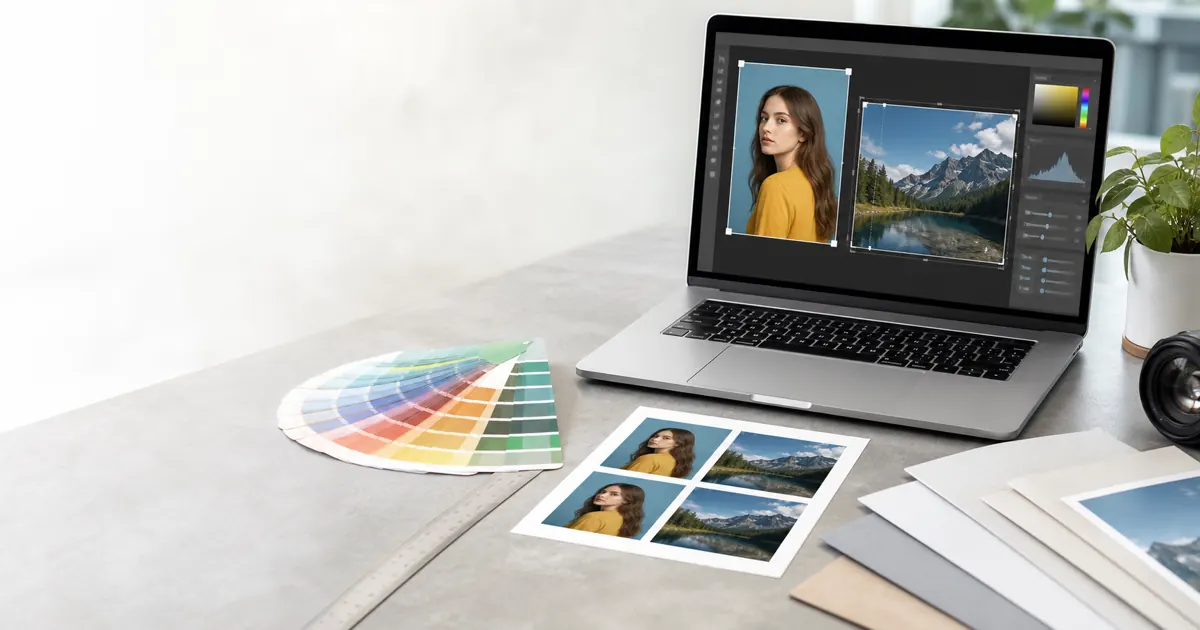
Resize images to exact dimensions in pixels, KB, inches, mm, or cm. Reduce image size to 20KB, 50KB, 100KB, or 200KB for passport photos, visa applications, forms, social media, and print.
Tool preview
Use this Image Resizer for Exact Pixels, KB, CM and MM page as a practical browser workspace: check the preview, confirm the output settings, and download only after the image looks clear on mobile and desktop.
For best results, start with the original camera file instead of a screenshot or a compressed social-media image. That keeps edges sharper and gives the tool enough detail to process the face, background, or file size correctly.
or click to browse files
Supports JPG, PNG, WebP - Max 50MB
Not sure what size you need? Here's a handy reference for common photo dimensions used for passports, visas, social media, and more.
| Country | Size (mm) | Pixels @300DPI |
|---|---|---|
| USA | 51 x 51mm (2 x 2") | 600 x 600 |
| UK / EU | 35 x 45mm | 413 x 531 |
| India | 51 x 51mm (2 x 2") | 600 x 600 |
| China | 33 x 48mm | 390 x 567 |
| Japan | 35 x 45mm | 413 x 531 |
| Canada | 50 x 70mm | 591 x 827 |
| Platform | Type | Size (px) |
|---|---|---|
| Profile | 320 x 320 | |
| Post (Square) | 1080 x 1080 | |
| Profile | 170 x 170 | |
| Cover | 1200 x 630 | |
| Profile | 400 x 400 | |
| Twitter/X | Profile | 400 x 400 |
Confused about DPI and pixels? Here's a simple explanation to help you choose the right size.
Used for web images, social media, and digital displays. Lower resolution but smaller file size.
Standard for printing. Recommended for passport photos, professional prints, and official documents.
Ultra-high quality for professional photography, large prints, and detailed archival work.
Pro Tip: For passport photos, always use 300 DPI. Government agencies require high-quality prints, and 300 DPI ensures your photo looks sharp and meets official requirements.
Helpful checklist
Before using Image Resizer for Exact Pixels, KB, CM and MM, start with the original image from your camera or phone gallery. Screenshots and social-media downloads often have lower detail, missing metadata, or compression artifacts that make print and document-photo work less reliable.
Check the preview at normal size and again after export. If the output will be printed, confirm the pixel size, DPI, background, and file format before sending it to a photo lab or uploading it to a government portal.
VisaPicPro tools run in the browser where possible, which helps keep the workflow fast and private. Still, the final decision belongs to the office, embassy, school, or website receiving the image, so compare the export with their latest checklist.