V VisaPicPro
IN Most Popular

India Passport Photo Rules 2026

Domestic PSK photo capture and printed-photo checklist

Know when you need a printed photo, when the PSK captures it for you, and how to prepare a clean white-background photo for forms that still ask for one.

Create Photo Now
White background
Valid

Preview of correct size

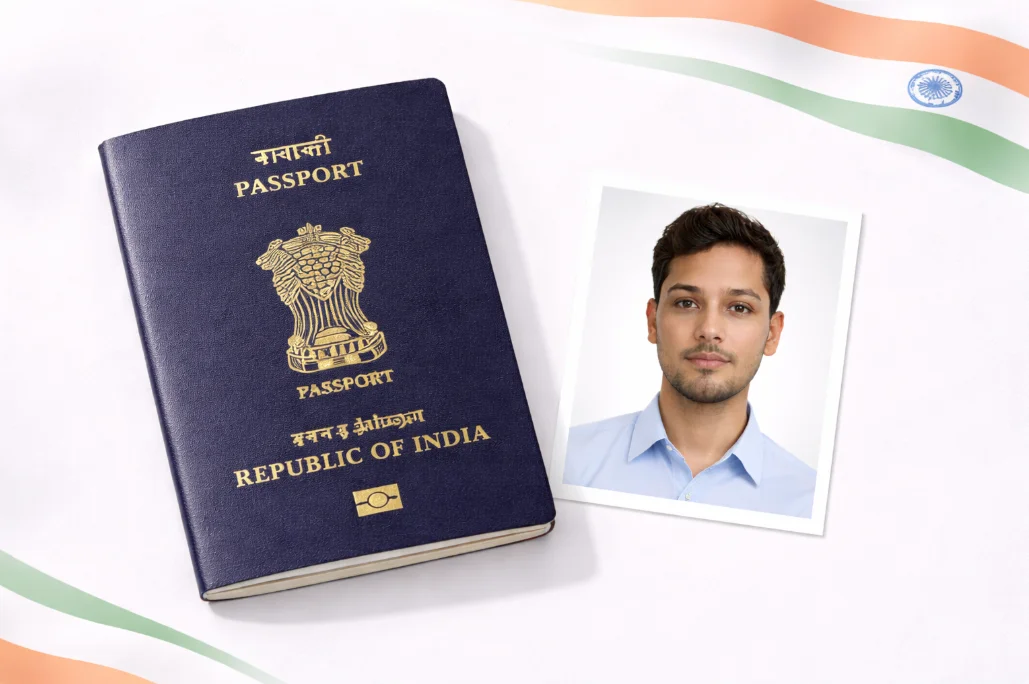
India Passport Photo Rules 2026 realistic preview

Photo guide preview

India Passport Photo Rules 2026: what to check before download

Use this India Passport Photo Rules 2026 guide to check the photo size, background, face position, and export format before you upload or print your document photo.

Before submitting, compare the final crop against your appointment checklist. A clean source photo, even lighting, and the right print resolution usually matter more than aggressive editing or artificial sharpening.

Quick answer

For most Passport Seva appointments in India, your photo is captured at the PSK.

Carry a printed photo only when your official checklist asks for it. Passport Seva specifically mentions a recent 4.5 x 3.5 cm white-background photo for minor applicants below 4 years of age. Indian missions abroad may have their own checklist, so check the mission page before printing.

Domestic PSK
Often live capture
Minor under 4
4.5 x 3.5 cm
Background
White
Reviewed
July 20, 2026
Checklist
Controls Size
White
Background
HD
Print Option
Current
Appearance

Official Requirements

Technical Specifications

Domestic PSK visit Usually live capture
Size in Inches 2 x 2 inches
Print resolution Use HD/300 DPI when printing
Background Color White
Printed-photo cases Follow official checklist
File Format JPEG / JPG
File Size 10KB - 300KB
Photo Age Within 6 months

Photo Guidelines

51mm
  • OK Face must be centered and clearly visible
  • OK Both ears should be visible
  • OK Neutral expression, mouth closed
  • OK Eyes open and clearly visible
  • OK No shadows on face or background

Common Mistakes to Avoid

Blurry or Pixelated

Photo must be sharp and clear with no blur or pixelation. Use a high-quality camera.

Shadows on Face

Ensure even lighting on your face. No shadows under eyes, nose, or on the background.

Wrong Background

Only plain white background is accepted. No patterns, textures, or colored backgrounds.

Face Not Centered

Keep the head centered, eyes visible, and shoulders straight. Do not crop the chin, forehead, or hairline when a printed photo is required.

Glasses with Glare

If wearing glasses, ensure no glare on lenses and eyes are clearly visible. Better to remove them.

Old Photo

Photo must be taken within the last 6 months and accurately represent your current appearance.

How to Take a Perfect Passport Photo

ID

1. Take Your Photo

Stand in front of a plain wall. Use natural lighting or a well-lit room. Face the camera directly.

ID

2. Upload Photo

Upload your photo to our tool. Our AI will automatically remove the background and adjust the size.

ID

3. Download & Print

Download your passport photo instantly. Print on photo paper or use for online applications.

Create Your Photo Now

Frequently Asked Questions

What is the size of Indian passport photo?
For many in-India Passport Seva appointments, the applicant photo is captured at the PSK. If your checklist asks you to carry a printed photograph, follow that checklist exactly. Passport Seva mentions a recent 4.5 x 3.5 cm white-background photo for minor applicants below 4 years of age.
What background color is required?
Plain white background is required for Indian passport photos. The background must be solid white without any patterns, textures, or shadows. Our AI tool automatically removes any background and replaces it with a compliant white background.
Can I wear glasses in my passport photo?
It is not recommended to wear glasses in Indian passport photos. If you must wear glasses for medical reasons, ensure:
  • No glare on the lenses
  • Eyes are clearly visible
  • No tinted or colored lenses
For best results, remove glasses when taking the photo.
How many photos are required for passport application?
For a new Indian passport application, you typically need 2 identical photos. For passport renewal or other services, requirements may vary. Our print layout feature lets you print multiple photos on a single sheet.
Can I use a phone camera to take passport photo?
Yes! Modern smartphone cameras are perfectly capable of taking passport photos. Tips for using phone camera:
  • Use the rear camera for better quality
  • Ensure good lighting (natural daylight is best)
  • Hold phone at eye level
  • Keep phone steady or use a tripod
  • Upload to our tool and we'll handle the rest!
What can I download without upgrading?
You can use the editor and download one standard single-photo file per day. HD single-photo export and 300 DPI print-ready sheets are Pro features, and the paid options are shown before checkout.

Ready to Create Your Indian Passport Photo?

Upload your photo, prepare a white-background crop, and export one standard daily download. Use Pro when you need HD or a print-ready sheet.

Create Photo Now

Other India Documents

Visa Photo
35 x 35mm
Aadhaar Card
25 x 30mm
PAN Card
25 x 30mm
Driving License
35 x 45mm