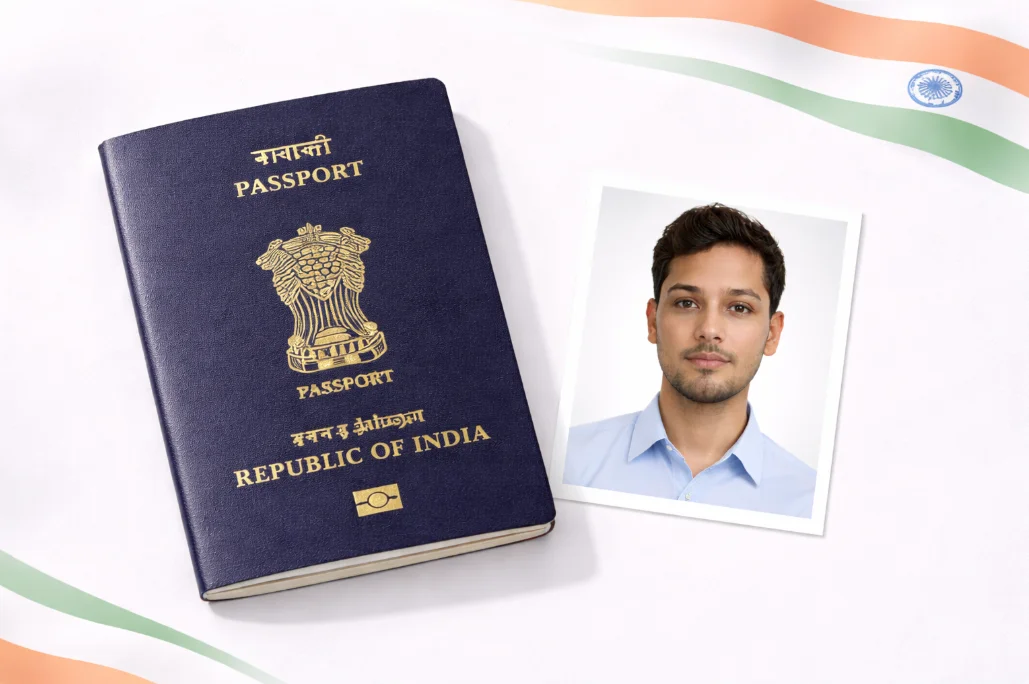
PAN Card Photo Requirements Guide
Whether you're applying for a new PAN card, correcting details, or updating your photo, getting the right specifications is crucial. NSDL and UTIITSL (the two agencies that process PAN applications) have specific requirements for photos and signatures.
The good news? If you already have an Aadhaar-compliant photo, it works perfectly for PAN card too! Both require the same 25 x 35mm size with a white background. Our tool handles all the technical stuff - just upload your photo and we'll make it compliant.
Important: For online PAN applications, you need BOTH a photo (140 x 195 pixels) AND a signature image (140 x 60 pixels). Make sure to prepare both before starting your application.
PAN Card Photo Specifications
Photo Requirements
| Physical Size | 25 x 35 mm (3.5 x 2.5 cm) |
| Digital Size (Online) | 140 x 195 pixels (minimum) |
| File Size | 2 KB to 50 KB |
| Format | JPEG only |
| Background | Plain white or light gray |
| Face Coverage | 70-80% of the photo |
Signature Requirements
| Digital Size (Online) | 140 x 60 pixels |
| Physical Size | 2 x 4.5 cm (within the box) |
| File Size | 2 KB to 50 KB |
| Format | JPEG only |
| Background | Plain white |
| Ink Color | Black or dark blue |
How to Create PAN Card Signature Image
The signature is where many applications get rejected. Here's the foolproof method:
Method 1: Paper & Scan
- 1. Sign on white paper with black/blue pen
- 2. Take a clear photo in good light
- 3. Crop around the signature only
- 4. Resize to 140 x 60 pixels
- 5. Save as JPEG under 50KB
Method 2: Phone App
- 1. Sign on white paper
- 2. Use phone scanner app (like Adobe Scan)
- 3. Crop and export as image
- 4. Use online resizer for 140 x 60px
- 5. Compress to under 50KB
Common Mistake: Don't make your signature too small or too fancy. Keep it simple, consistent, and ensure it fills most of the 140 x 60 pixel box.
Where to Apply for PAN Card
NSDL e-Gov
tin-nsdl.com
- New PAN application (Form 49A)
- PAN correction/update
- Reprint PAN card
- Fee: 107 (Indian address)
UTIITSL
pan.utiitsl.com
- New PAN application
- Changes/corrections
- Instant e-PAN via Aadhaar
- Fee: 107 (Indian address)
Quick Tip: Instant e-PAN
If you have Aadhaar linked to your mobile, you can get an Instant e-PAN in just 10 minutes! Visit the Income Tax Portal (incometax.gov.in) Instant e-PAN. It uses your Aadhaar photo automatically. Best part? It's completely FREE!
Common PAN Photo Rejection Reasons
| Issue | Solution |
|---|---|
| Photo too large (>50KB) | Compress using our tool or online compressor |
| Wrong dimensions | Use exact 140 x 195 pixels for photo |
| Colored background | Use our background remover for white BG |
| Signature too faint | Use black pen, increase contrast |
| Face not centered | Our AI auto-centers your face |
| PNG format used | Convert to JPEG before uploading |
Frequently Asked Questions
What is the exact PAN card photo size?
For physical applications, the PAN card photo size is 25 x 35mm (3.5 x 2.5 cm). For online applications, the digital photo should be 140 x 195 pixels minimum with file size between 2KB to 50KB in JPEG format.
Can I use my Aadhaar photo for PAN card?
Yes! Both Aadhaar and PAN require similar specifications - 25 x 35mm size, white background, clear face visibility. If your Aadhaar photo is recent and you look the same, you can use it for PAN. Just ensure you resize it to meet the exact digital requirements (140 x 195 pixels, under 50KB).
What is the PAN card signature size?
For online PAN applications, the signature should be 140 x 60 pixels with file size between 2KB to 50KB in JPEG format. The signature should be on a white background using black or dark blue ink. Make sure it's clear and not too small within the frame.
How to reduce PAN photo size below 50KB?
Our tool automatically optimizes file size while maintaining quality. If your photo is still too large, try: 1) Reducing image quality to 70-80%, 2) Using online compressors like TinyJPG, 3) Ensuring the photo is exactly 140 x 195 pixels (not larger). Most properly-sized photos are naturally under 50KB.
Can I apply for PAN without photo?
Yes! If you have Aadhaar linked to your mobile, you can get an Instant e-PAN from the Income Tax Portal without uploading any photo. The system automatically uses your Aadhaar photo. This is the fastest and easiest method, and it's FREE!
Ready to Create Your PAN Card Photo?
Upload any photo and get a NSDL/UTIITSL compliant PAN card photo in seconds. Perfect size, white background, correct face proportions - all automatic.
Create PAN Photo - It's Free!