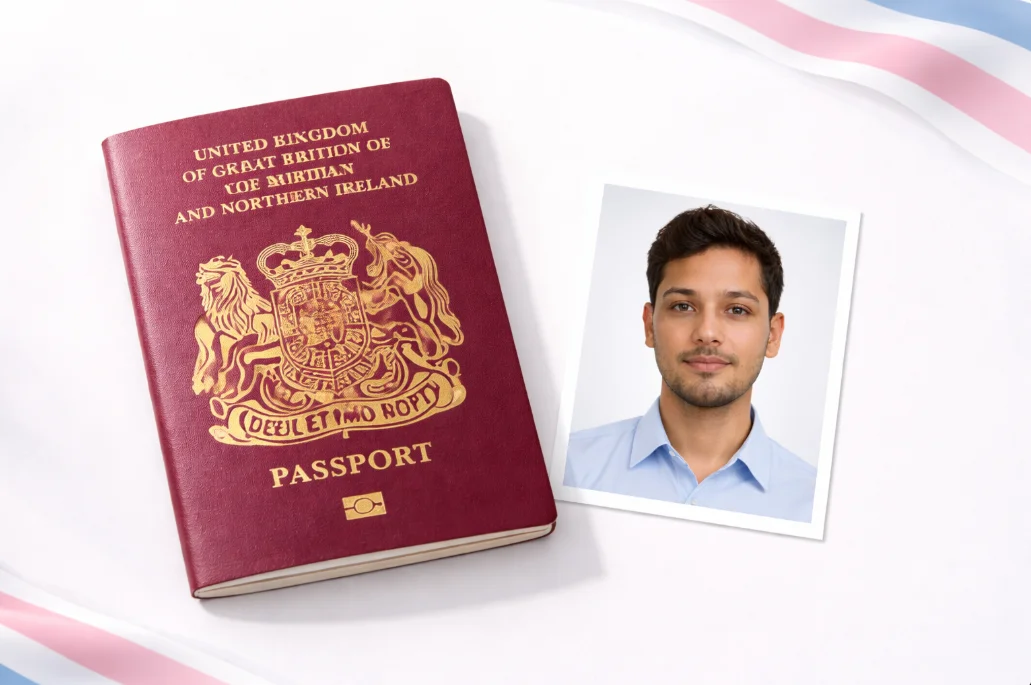
British passport photos follow the ICAO international biometric standard, but HMPO has added a few UK-specific rules on top - particularly around glasses, background colour, and how recently the photo was taken. If you've had photos done for a different country's passport before, don't assume the rules are the same.
I've gone through each requirement below with the details you actually need, not just the vague guidelines. Where rules have changed recently, I've noted the date.
Want to skip the hassle?
Upload a phone photo. We check every HMPO requirement, fix the background, crop to 35 x 45mm, and position your head correctly.
1. Background Colour
This is where the UK differs from most countries. While the US, Canada, and India all require pure white backgrounds, HMPO specifies:
- Light grey is the preferred background
- Cream (off-white) is also accepted
- Pure white is accepted for digital submissions but can cause issues with printed photos (overexposure at the edges)
- Blue backgrounds are not accepted (unlike some EU countries)
The background must be completely plain - no patterns, no gradients, no visible furniture or walls. If you're taking the photo at home, a light-coloured wall usually works, but watch for shadows. Our background remover tool can replace any background with the correct shade of grey.
2. Glasses - Not Allowed
Since November 2016, you cannot wear glasses in a UK passport photo. This rule was introduced to improve the accuracy of facial recognition systems at border control. It applies to:
- Prescription glasses (clear lenses)
- Reading glasses
- Sunglasses (obviously)
- Tinted lenses
Medical Exception
If you physically cannot remove your glasses due to a medical condition (for example, after recent eye surgery), you'll need a signed letter from your GP or ophthalmologist. Even then, the frames must not obscure your eyes, and there must be no glare on the lenses.
3. Facial Expression
HMPO requires a neutral expression - and they mean it. Here's exactly what "neutral" means:
Accepted
- - Mouth closed, relaxed
- - Both eyes fully open
- - Looking straight at the camera
- - Head straight, not tilted
- - Relaxed facial muscles
Rejected
- - Any smile (even slight)
- - Mouth open
- - Eyes looking to the side
- - Head tilted or turned
- - Frowning or squinting
The "no smiling" rule is consistent across all ICAO-standard countries. Facial recognition works by measuring distances between facial features, and smiling changes these distances. If you naturally smile slightly when posing for photos, consciously relax your mouth and cheeks before the shot.
4. Head Size and Position
Your head - measured from the bottom of your chin to the top of your head (including hair) - must be between 29mm and 34mm in the final printed photo. In terms of the photo frame:
- Head takes up about 65-75% of the photo height
- 3-5mm gap between the top of your head and the top edge of the photo
- Face centred horizontally (roughly equal margins on both sides)
- Shoulders visible at the bottom
For the digital version at 600 x 750 pixels, your head should be approximately 390-510 pixels tall. Our tool measures this automatically using face detection and adjusts the crop accordingly. See our UK photo size guide for exact pixel dimensions.
5. Head Coverings and Hair
The general rule: nothing on your head. But there are two exceptions:
Religious Head Coverings - Allowed
Hijabs, turbans, kippot, and other religious head coverings are permitted. However, your entire face from forehead to chin must be clearly visible. The covering must not cast shadows on your face.
Medical Head Coverings - Allowed
Bandages, wigs, and head coverings worn for medical reasons are accepted. Face must remain fully visible.
Fashion Items - Not Allowed
Hats, caps, beanies, headbands (if they cover the forehead), and scarves worn for fashion are not permitted. Hair accessories that don't cover the face or forehead are generally fine.
For hair styling: your hair shouldn't cover your face, eyebrows, or eyes. Fringes (bangs) that partially cover the forehead are usually fine, but if they hang over your eyes, pin them back for the photo.
6. Lighting and Photo Quality
HMPO checks for:
- Even lighting - No harsh shadows on one side of the face. Natural window light works best.
- No flash glare - Avoid direct flash, especially if there are reflective surfaces nearby.
- Sharp focus - The face must be in clear focus. No motion blur.
- Natural colour - No colour filters, no black and white, no sepia tones.
- No red-eye - If your photo has red-eye, retake it rather than using digital red-eye removal (some red-eye tools distort the iris shape, which can cause rejection).
7. Make-up and Appearance
There's no explicit "no make-up" rule, but HMPO does say the photo must show your "natural appearance." In practice:
- Light, everyday make-up is fine
- Heavy contouring that changes your face shape is risky
- Extremely bold lipstick colours are usually fine but avoid unusual shades (black, blue)
- False eyelashes that are subtle are OK - dramatic ones that obscure your eyes are not
- Face paint, theatrical make-up, or costume elements will be rejected
The guideline HMPO uses: "Could a border officer match this photo to the person standing in front of them?" If heavy make-up changes your appearance significantly, it's a problem.
8. Babies and Children
Getting a passport photo of a baby is the part everyone dreads. HMPO has specific rules:
Rules for babies (under 1 year)
- - Eyes must be open - this is the hardest part. Wait until the baby is alert but calm.
- - Mouth must be closed - no dummies (pacifiers), bottles, or toys visible.
- - No other person visible - if you're holding the baby, your hands and body must not appear.
- - Looking roughly forward - the baby's face needs to be mostly front-facing, though HMPO is slightly more lenient with very young babies.
- - Background - white or light grey. Laying the baby on a plain white sheet is the easiest method.
Rules for children (1-16 years)
- - Same rules as adults for expression, background, and head position
- - No toys, dummies, or other objects
- - Child must be the only person in the photo
- - Children under 6: slight variations in expression are tolerated, but eyes still need to be open and looking forward
Tip from experience: for babies, take lots of photos (50+ if needed) in a well-lit spot with the baby lying on a white sheet. You only need one good one. Our baby passport photo guide has more techniques and tricks.
9. What's Changed Recently
Glasses banned
All glasses removed from passport photos. Previously allowed with clear, non-reflective lenses.
Digital submissions expanded
HMPO expanded digital photo acceptance for online renewals. Phone photos now widely accepted with correct specifications.
Stricter automated checking
HMPO's online system now uses automated facial recognition to pre-screen uploaded photos. This catches more issues instantly rather than at manual review.
10. Most Common Rejection Reasons
Based on HMPO data and what we see from users, these are the top reasons UK passport photos get rejected:
Wearing glasses
Still the #1 reason - many people don't know about the 2016 rule change.
Smiling or mouth open
Even a slight smile is flagged by the automated system.
Wrong background
Patterned walls, visible furniture, or too-dark backgrounds.
Wrong size or crop
Square photos (US format), head too small/large, or wrong aspect ratio.
Shadows on face
Uneven lighting casting visible shadows, especially under the nose or chin.
Blurry or low quality
Motion blur, out of focus, or heavily compressed images.
For a deeper dive into what gets photos rejected (with examples), see our 12 most common rejection reasons article.