Prepare a 2 x 2 inch passport photo with the State Department checks people most often miss: centered head, plain white background, no glasses, even lighting, and photo-quality printing.
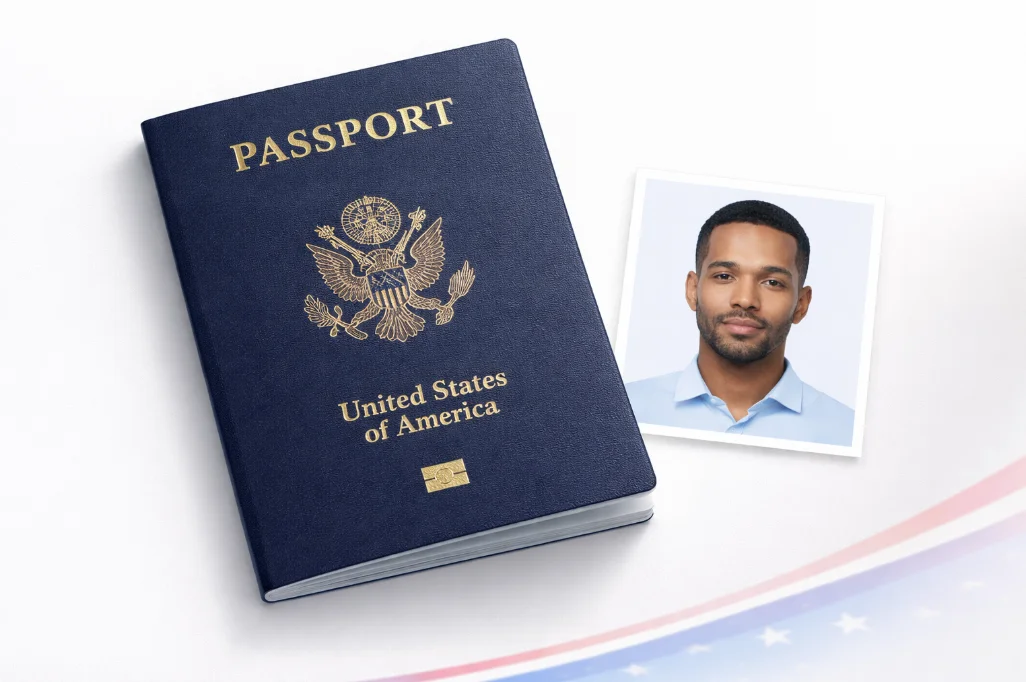
Photo guide preview
Use this US Passport Photo Size and Requirements 2026 guide to check the photo size, background, face position, and export format before you upload or print your document photo.
Before submitting, compare the final crop against your appointment checklist. A clean source photo, even lighting, and the right print resolution usually matter more than aggressive editing or artificial sharpening.
Quick answer
Use one recent color photo, face the camera directly, keep both eyes open, remove glasses, and use a plain white or off-white background. Print on matte or glossy photo-quality paper.
The U.S. Department of State has strict requirements for passport photos. Photos that don't meet these specifications will be rejected, causing delays in your application.
| Photo Size | 2 x 2 inches (51 x 51 mm) |
| Head Height | 1" to 1" (25mm to 35mm) |
| Eye Position | 1" to 1" from bottom |
| Resolution | 600 x 600 pixels minimum |
| File Size (digital) | 240KB to 10MB |
Since November 1, 2016, the U.S. State Department no longer accepts passport photos where the applicant is wearing glasses. This applies to all types of eyewear, including:
Exception: Only allowed with a signed medical statement from a doctor explaining why glasses cannot be removed.
Store passport-photo pricing changes by brand and location. Use the tool to prepare one standard daily download, then print locally or upgrade for an HD 300 DPI sheet.
No waiting, no appointment. Create your photo in 60 seconds from home, any time of day.
Retake your source photo until the face is centered, the background is clean, and the lighting is even before you export the final file.
Upload your photo, check the U.S. size rules, and export one standard daily download. Upgrade only if you need HD or a 300 DPI print sheet.
Create Photo Now