US
USCIS Compliant
Green Card Photo Requirements 2026
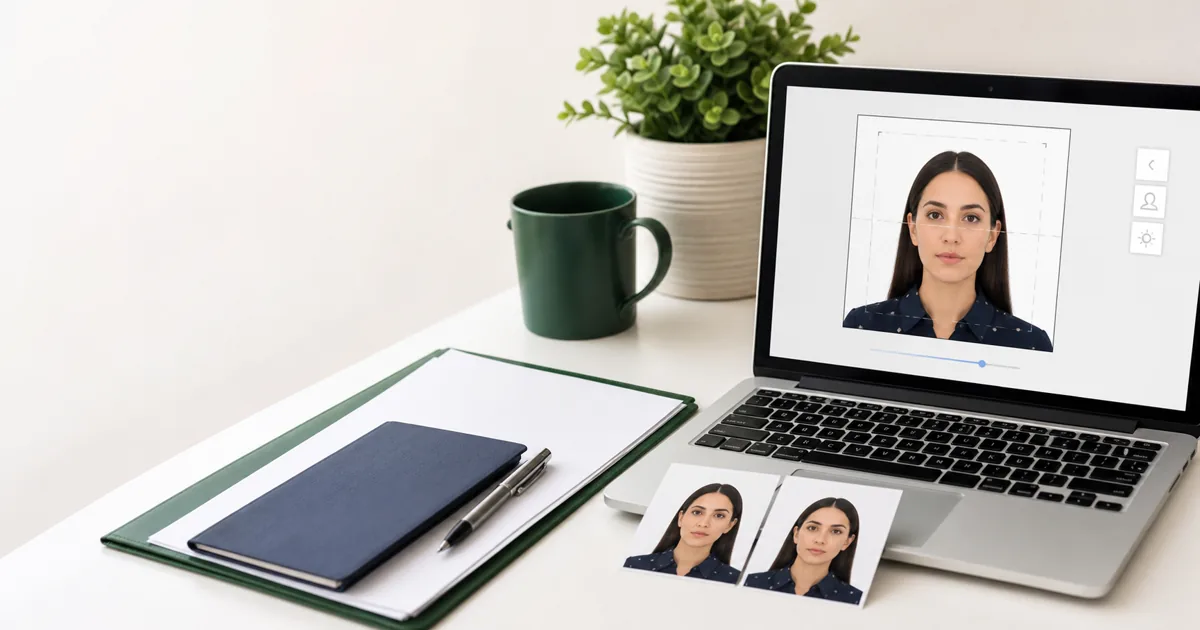
Prepare passport-style photos for Green Card and permanent-resident filings without guessing the size, background, recency, or mailing details.
Prepare passport-style photos for Green Card and permanent-resident filings without guessing the size, background, recency, or mailing details.
Quick answer
The practical format is a recent 2 x 2 inch color photo on a plain white or off-white background. Keep your head centered, face the camera directly, remove glasses, and avoid digitally changing your appearance.
Adjustment of Status
Most CommonGreen Card Renewal
RenewalRemove Conditions
Marriage-BasedFamily Petition
SponsorUSCIS uses passport-style photos across many immigration filings, but the exact number and submission method can depend on the form, whether you file online, and whether USCIS schedules biometrics.
| Photo Size | 2 x 2 inches (51 x 51 mm) |
| Head Height | 1" to 1" (25-35mm) |
| Eye Position | 1" to 1" from bottom |
| Head Coverage | 50% to 69% of photo height |
| Background | White or off-white |
| Paper Type | Thin photo paper (not cardboard) |
| Recency | Recent current appearance |
| Quantity | Check form instructions |
Remove all eyeglasses. Since Nov 2016, glasses are not allowed unless you have a medical necessity with doctor's note.
Keep a natural, neutral expression with both eyes open. No smiling with teeth showing.
Photo must be taken within 30 days of filing and reflect your current appearance.
Lightly write your name and A-number (if any) on the back with pencil.
Using a photo older than 30 days, or one that doesn't match your current appearance (different hair color, facial hair, etc.)
Photo not exactly 2 x 2 inches, or head size is too large/small (must be 50-69% of photo height).
Blurry, pixelated, over/underexposed photos. Shadows on face or background. Visible editing or filters.
Green Card-related photo handling is not identical for every USCIS path. A paper adjustment package may ask for printed passport-style photos, while an online filing or a later biometrics appointment may collect your photo differently. Treat the photo as part of the form checklist, not as a separate universal rule.
If your instruction page asks for printed photos, prepare two identical copies on photo-quality paper, keep them flat, and avoid stapling through the face area. If your receipt or appointment notice asks you to attend biometrics, bring the notice and identification listed there instead of assuming a printed photo will replace that appointment.
The safest workflow is simple: choose the exact USCIS form first, read the current filing instructions, prepare a recent white-background 2 x 2 inch photo if requested, and keep the digital source file in case you need another print.
USCIS-compliant 2 x 2 inch photo, white background, perfect head size. Free and instant.
Create Green Card Photo - Free