VisaPicPro

Sri Lanka passport photo guide

Sri Lanka Passport Photo Rules for Digital Studio Submission

Sri Lanka uses an authorized digital photo studio workflow for passport applications. Learn what the studio acknowledgement note means and how to prepare before your appointment.

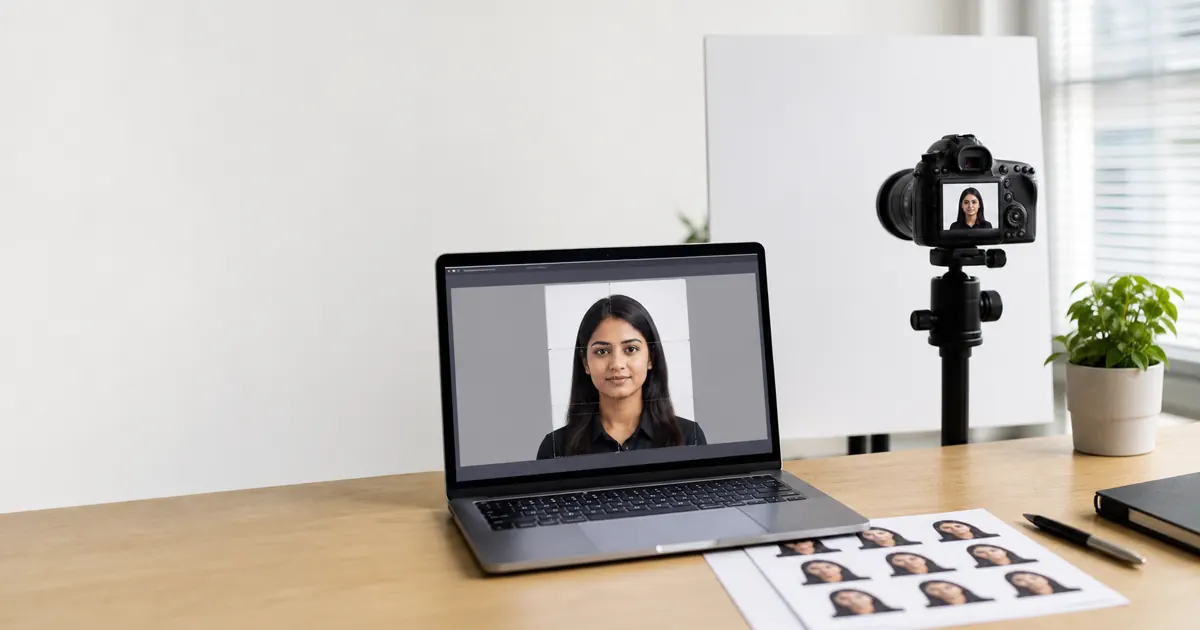
Sri Lanka Passport Photo Rules for Digital Studio Submission realistic preview

Photo guide preview

Sri Lanka Passport Photo Rules for Digital Studio Submission: what to check before download

Use this Sri Lanka Passport Photo Rules for Digital Studio Submission guide to check the photo size, background, face position, and export format before you upload or print your document photo.

Before submitting, compare the final crop against your appointment checklist. A clean source photo, even lighting, and the right print resolution usually matter more than aggressive editing or artificial sharpening.

Quick answer

Normal process

Authorized studio digital photo

Printed photo

Not normally accepted

Bring with application

Studio acknowledgement note

Last reviewed: July 20, 2026. Source checked: Sri Lanka Department of Immigration and Emigration passport information.

The important rule

Sri Lanka is different from many countries because the Department of Immigration and Emigration uses a digital photo submission workflow. The Department states that printed photographs are no longer accepted for normal passport applications. Applicants should obtain the photograph through an authorized photo studio, or through the Department Head Office or Regional Office photo setup.

The studio sends the photo online to the Department system and gives you a Studio Acknowledgement Note. You present that note with your application and supporting documents. VisaPicPro cannot replace that official submission path, but it can help you understand what a clean ICAO-style passport photo should look like before you visit the studio.

Quality checklist before the studio visit

  • Use a recent appearance: haircut, facial hair and glasses should match how you will look at enrolment.
  • Keep eyes open and visible. Department studio guidance says eyes should be clear without spectacles.
  • Use a neutral expression and face the camera directly.
  • Avoid strong shadows, glossy skin glare, filters and edited facial features.
  • Religious caps or scarves may be allowed, but the face, forehead and ears should remain clear where required.
  • Keep the acknowledgement note safe with your application documents.

Where online tools still help

Online tools are useful for checking whether your lighting, face position and crop look reasonable before you pay for a studio session. They are also useful for visa photos, embassy requests, school forms, and non-passport document photos where a direct file or printed sheet is requested.

For passport submission itself, follow the official Department workflow. Use the ICAO photo checker to review basic issues, or the passport photo size guide to compare dimensions by country.

Helpful checklist

Practical notes for Sri Lanka Passport Photo Rules for Digital Studio Submission

For Sri Lanka Passport Photo Rules for Digital Studio Submission, the safest result starts with a simple front-facing portrait: camera at eye level, shoulders straight, no heavy shadows, and a plain background that can be cleaned without cutting into the hair or face outline.

Do not reuse a cropped social-media profile picture unless it still has enough resolution. A low-quality source can pass the preview on screen but look soft after printing, especially when a 300 DPI sheet is required.

Use the country preset first, then compare the size, background, and face position against the exact passport, visa, ID, or embassy checklist for your appointment. Some offices update upload limits without changing the public photo size.

The standard daily download is useful for a quick single-photo file. Upgrade only when you need HD quality, a print-ready sheet, or repeated downloads for several applications.

Quality notes

Final quality checks for Sri Lanka Passport Photo Rules for Digital Studio Submission

Use Sri Lanka Passport Photo Rules for Digital Studio Submission as a working checklist before you visit an office, upload to a portal, or send the photo to a print shop. The page is meant to help you avoid avoidable rejection reasons, not just show a size number.

Take the photo again if the eyes are soft, the face is tilted, the background has visible texture, or the hair blends into the wall. Those issues usually cannot be fixed cleanly later without creating an artificial-looking result.

For digital upload, check pixel size, file format, and file-size limit. For printing, check physical dimensions and DPI before cutting. If the page or embassy asks for a recent photo, do not reuse an old portrait even if the dimensions are correct.

One standard daily download is available for quick use. Choose HD or print-ready export when you need sharper output, repeated downloads, multiple paper sizes, or a printable sheet that keeps the final size consistent.

Before export: preview the crop at full size and check the background edge.
Before submit: compare the file with the latest appointment or upload checklist.
For print: use 300 DPI and avoid resizing the downloaded file manually.
For privacy: keep your original photo local unless an official portal asks for upload.