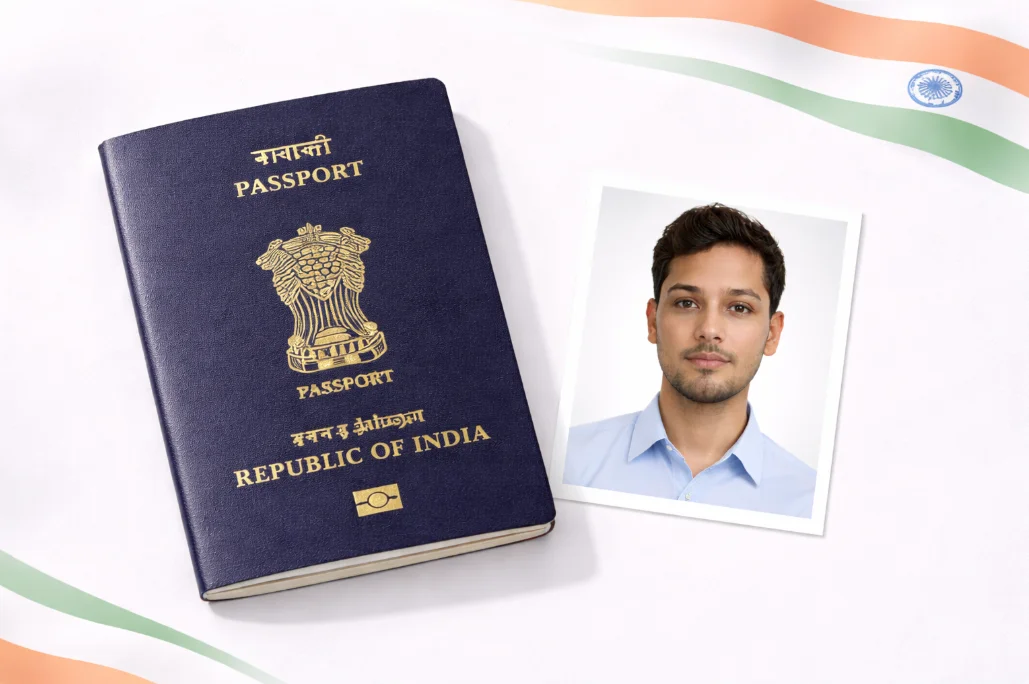
Aadhaar Photo Requirements Guide
Getting your Aadhaar photo right is crucial - whether you're enrolling for the first time, updating your photo, or correcting details. The Unique Identification Authority of India (UIDAI) has specific requirements to ensure your photo works with their biometric system.
Don't worry if this sounds complicated. Our free tool handles all the technical stuff automatically. Just upload your photo, and we'll resize it, fix the background, and ensure it meets all UIDAI specifications. It takes less than 2 minutes!
Pro Tip: If you're updating your Aadhaar photo after a long time, make sure your current appearance matches the new photo. Major changes (like growing a beard) are fine, but the photo should look like you today.
Official Aadhaar Photo Specifications
| Photo Size | 25 x 35 mm (width height) |
| Alternative Size | 2 x 2 inches (51 x 51 mm) - Standard passport size |
| Digital Resolution | Minimum 300 DPI |
| File Size | 20 KB to 200 KB |
| Format | JPEG or PNG |
| Background | Plain white or light gray |
| Face Coverage | 70-80% of the photo |
| Expression | Neutral, mouth closed |
Aadhaar Photo Do's and Don'ts
Do's
- Use a recent photo (taken within last 6 months)
- Keep eyes open and clearly visible
- Face the camera directly (front view)
- Use plain white/light background
- Ensure proper lighting (no harsh shadows)
- Religious headwear is allowed (face must be visible)
Don'ts
- No Don't wear glasses (including prescription)
- No Don't use filters or heavy editing
- No Don't smile with teeth showing
- No Don't wear hats or head coverings (unless religious)
- No Don't use blurry or pixelated photos
- No Don't submit old photos that don't look like you
How to Create Aadhaar Photo Online
Take or Upload Your Photo
Use your phone camera or webcam to take a photo against a plain wall. Make sure you have good lighting - natural daylight works best. Alternatively, upload an existing photo.
Select Aadhaar Card Preset
Choose "India" from the country dropdown, then select "Aadhaar Card" as the document type. This automatically sets the correct size (25 x 35mm) and ensures proper face proportions.
Adjust Position if Needed
Our AI automatically detects your face and positions it correctly. You can fine-tune the crop if needed. The guidelines show exactly where your face should be for UIDAI compliance.
Download Your Photo
Click download to save your UIDAI-compliant Aadhaar photo. You can also generate a 4 x 6 inch print layout with multiple copies for physical submission.
Aadhaar vs Other Indian ID Photos
| Document | Size | Background |
|---|---|---|
| Aadhaar Card | 25 x 35mm | White |
| Indian Passport | 2 x 2 inches | White |
| PAN Card | 25 x 35mm | White |
| Voter ID (EPIC) | 35 x 45mm | White |
| Driving License | 20 x 25mm | White |
Good news: A passport-size photo (2 x 2 inches) is accepted for most Indian documents, including Aadhaar. If you're applying for multiple IDs, our passport photo option works for almost all of them!
Frequently Asked Questions
What is the official Aadhaar card photo size?
The official Aadhaar card photo size is 25 x 35mm (width height). In inches, this is approximately 1 x 1.4 inches. However, UIDAI also accepts standard Indian passport-size photos (2 x 2 inches or 51 x 51mm). The key is meeting the quality requirements rather than exact size.
Can I use a passport photo for Aadhaar?
Yes, you can use an Indian passport photo for Aadhaar enrollment or update. Since passport photos (2 x 2 inches) meet all UIDAI quality requirements - white background, clear face, no glasses - they work perfectly for Aadhaar. Just make sure the photo is recent (within 6 months).
How can I update my Aadhaar photo online?
Currently, photo updates cannot be done completely online. You need to visit an Aadhaar enrollment center. However, you can create your UIDAI-compliant photo here, save it on your phone, and show it at the center. Book an appointment at uidai.gov.in and visit the nearest enrollment center.
Why is my Aadhaar photo getting rejected?
Common reasons for Aadhaar photo rejection include: wearing glasses, colored/patterned background, face too small or too large in frame, poor lighting, blurry image, or expression issues (smiling with teeth). Our tool automatically fixes most of these issues - especially background color and face sizing.
Can I wear a bindi or religious symbols in Aadhaar photo?
Yes, you can wear a bindi, small jewelry, and religious symbols like tilak in your Aadhaar photo. Religious headwear (turban, hijab, etc.) is also allowed as long as your face is fully visible from chin to forehead. The key is that your face should be identifiable.
Ready to Create Your Aadhaar Photo?
Upload any photo and get a UIDAI-compliant Aadhaar card photo in seconds. Perfect size, white background, correct face proportions - all automatic.
Create Aadhaar Photo - It's Free!