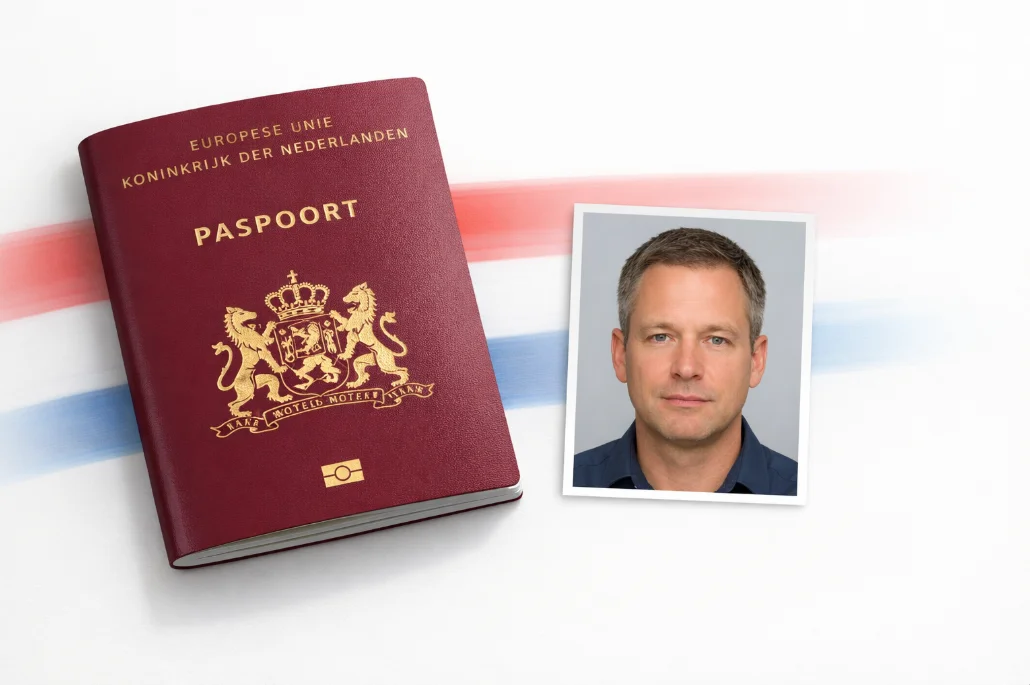
Create a 35 x 45mm passport photo meeting Dutch government specifications. Light gray background, no glasses allowed.
Create Dutch Passport Photo
Photo guide preview
Use this Netherlands Passport Photo Requirements guide to check the photo size, background, face position, and export format before you upload or print your document photo.
Before submitting, compare the final crop against your appointment checklist. A clean source photo, even lighting, and the right print resolution usually matter more than aggressive editing or artificial sharpening.
The Dutch government no longer allows glasses in passport or ID photos. Remove all eyewear before taking your photo, including prescription glasses.
| Photo Size | 35 x 45 mm |
| Head Height | 26-30 mm |
| Eye Line | 20-30 mm from bottom |
| Resolution | 600 DPI |
| Background | Light Gray |
| Paper | Matte photo paper |
| Age | Within 6 months |
| Glasses | Not Allowed |
Since 2021, the Netherlands has banned all glasses in passport photos - including prescription glasses and reading glasses. This is the single most common rejection reason at Dutch gemeentehuizen.
Unlike most countries, the Netherlands requires a light gray background - not white. This catches many people off guard. Our Dutch preset uses the exact Rijksoverheid-specified gray shade.
Keep a completely neutral expression with mouth closed. The Dutch biometric system requires facial muscles to be relaxed - no smile, no frown, no tension. Just a natural resting face.
Your face must be perfectly centered with equal margin on both sides. The head should occupy 26-30mm (chin to crown) in the 35 x 45mm frame. Our AI handles precise centering and scaling.
Dutch standards require completely even illumination across the full face. No shadows under the nose, chin, or beside the ears. Use front-facing diffused light for best results.
Your forehead, eyes, nose, mouth, and chin must all be clearly visible. Push hair behind ears and away from your forehead. Both ears should ideally be visible too.
Stand against a plain wall (we'll set the background color). Remove your glasses. Look directly at the camera with a neutral expression. Use bright, even lighting - a window works great.
Upload to VisaPicPro and the AI replaces the background with the correct Dutch light gray, centers your face, and crops to the exact 35 x 45mm Rijksoverheid format.
Download and print on glossy photo paper. Take it to your local gemeentehuis (gemeente) when applying for your passport. You can also print at any Hema, Kruidvat, or photo kiosk.
Get Rijksoverheid-compliant photos in 60 seconds. One standard daily download available; upgrade for HD and print-ready files.
Create PhotoHelpful checklist
For Netherlands Passport Photo Requirements, the safest result starts with a simple front-facing portrait: camera at eye level, shoulders straight, no heavy shadows, and a plain background that can be cleaned without cutting into the hair or face outline.
Do not reuse a cropped social-media profile picture unless it still has enough resolution. A low-quality source can pass the preview on screen but look soft after printing, especially when a 300 DPI sheet is required.
Use the country preset first, then compare the size, background, and face position against the exact passport, visa, ID, or embassy checklist for your appointment. Some offices update upload limits without changing the public photo size.