📸VisaPicPro
🇬🇭

Ghana Passport Photo Requirements

Size, background, and specifications guide

Ghana Passport Photo Size

Dimensions

  • Size: 35 × 45 mm
  • Inches: 1.4 × 1.8 inches
  • Digital: 413 × 531 pixels min
  • Resolution: 300 DPI

Photo Composition

  • Face: 70-80% of photo
  • Head: Centered, straight
  • Expression: Neutral
  • Eyes: Open, looking at camera

Background Requirements

  • ✓ Plain white background
  • ✓ No shadows on face or background
  • ✓ Evenly lit, no glare
  • ✓ No visible objects behind

Common Mistakes to Avoid

Wearing Traditional Headgear

Unless worn for religious reasons, headgear like caps, hats, or wraps are not permitted. The Ghana Immigration Service needs to see your full head shape for biometric data. Religious coverings are allowed but must not obscure the face.

Dark or Colored Background

Only a plain white background is accepted. Many local studios use blue or gray backdrops — these will be rejected. Upload your photo to VisaPicPro and we'll replace any background with compliant white automatically.

Closed Eyes or Looking Away

Both eyes must be open and looking directly at the camera. Glancing to the side, squinting, or half-closed eyes from camera flash will result in rejection. Take the photo in natural light to avoid squinting.

Heavy Shadows on Face

Ghana's passport office is strict about even facial illumination. Avoid taking photos outdoors in direct sun, which creates harsh nose and chin shadows. Indoor photos near a window work best.

Blurry or Grainy Image

Photos that look fine on screen can appear pixelated when printed. Hold your phone steady — prop it on a surface or use a timer. The printed image must be clear enough for facial recognition systems.

Photo Older Than 6 Months

The photo must show your current look. If you've changed your hairstyle, grown a beard, or have new scars since your last photo, take a fresh one. It takes less than 60 seconds with our tool.

How to Take a Perfect Ghanaian Passport Photo

📸

1. Take Your Photo

Find a plain white wall at home or office. Face a window for natural, even lighting. Keep a neutral expression — no smile, eyes open, mouth closed. Ask a friend to hold the camera at your eye level.

⬆️

2. Upload & Process

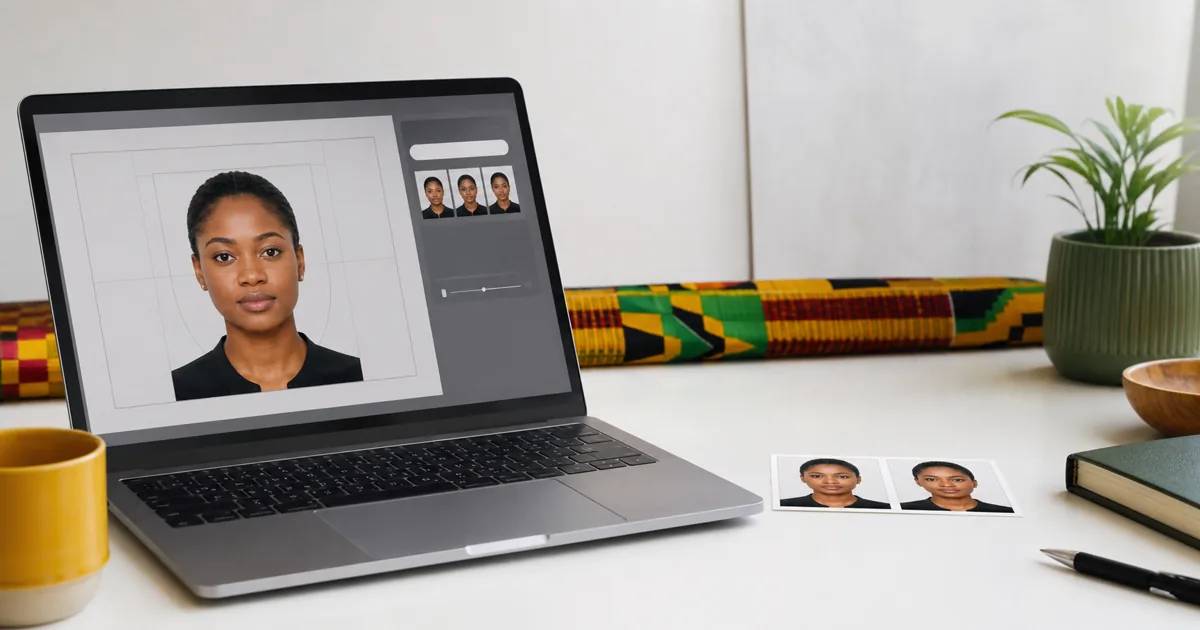
Upload the photo to VisaPicPro. Our AI removes the background, detects your face, and crops the image to the exact 35×45mm dimensions required by the Ghana Immigration Service — all in a few seconds.

3. Download & Print

Download the finished file and print 4-6 copies on glossy photo paper. Take them to the Passport Application Centre in Accra, Kumasi, Tamale, or any regional office along with your Ghana Card and completed form.
Frequently Asked Questions

What size is a Ghana passport photo?
The Ghana passport photo is 35mm × 45mm — the standard ICAO format. Your face from chin to crown should fill about 70-80% of the frame height. The photo must be printed on high-quality glossy paper at 600 DPI.
How many photos do I need for a Ghanaian passport?
4 to 6 identical passport photos are required when applying at the Passport Application Centre. The exact number may vary — some offices ask for 4, while embassy applications abroad may require 6. Print extras to be safe.
Can I take the photo with my phone?
Yes — any modern smartphone with a decent camera works perfectly. Use the back camera for the sharpest image, hold it steady, and make sure you have plenty of light. Upload to VisaPicPro and we'll handle cropping and formatting.
Where can I apply for a Ghana passport?
Apply at the Passport Application Centre in Accra (near the Airport), or at regional centres in Kumasi, Tamale, Takoradi, Ho, Sunyani, and Cape Coast. Ghanaians abroad can apply at any Ghana Embassy or High Commission. Bring your Ghana Card, birth certificate, and passport photos.
Is VisaPicPro free for Ghana passport photos?
Completely free. No registration, no watermarks, no hidden charges. Local photo studios in Ghana charge GH₵10-30 per set. Save that money and create your compliant photo at home in under a minute — your image is processed entirely in your browser.